
Samsung search: A global search tool
Modernize Samsung’s Global Search experience
Search
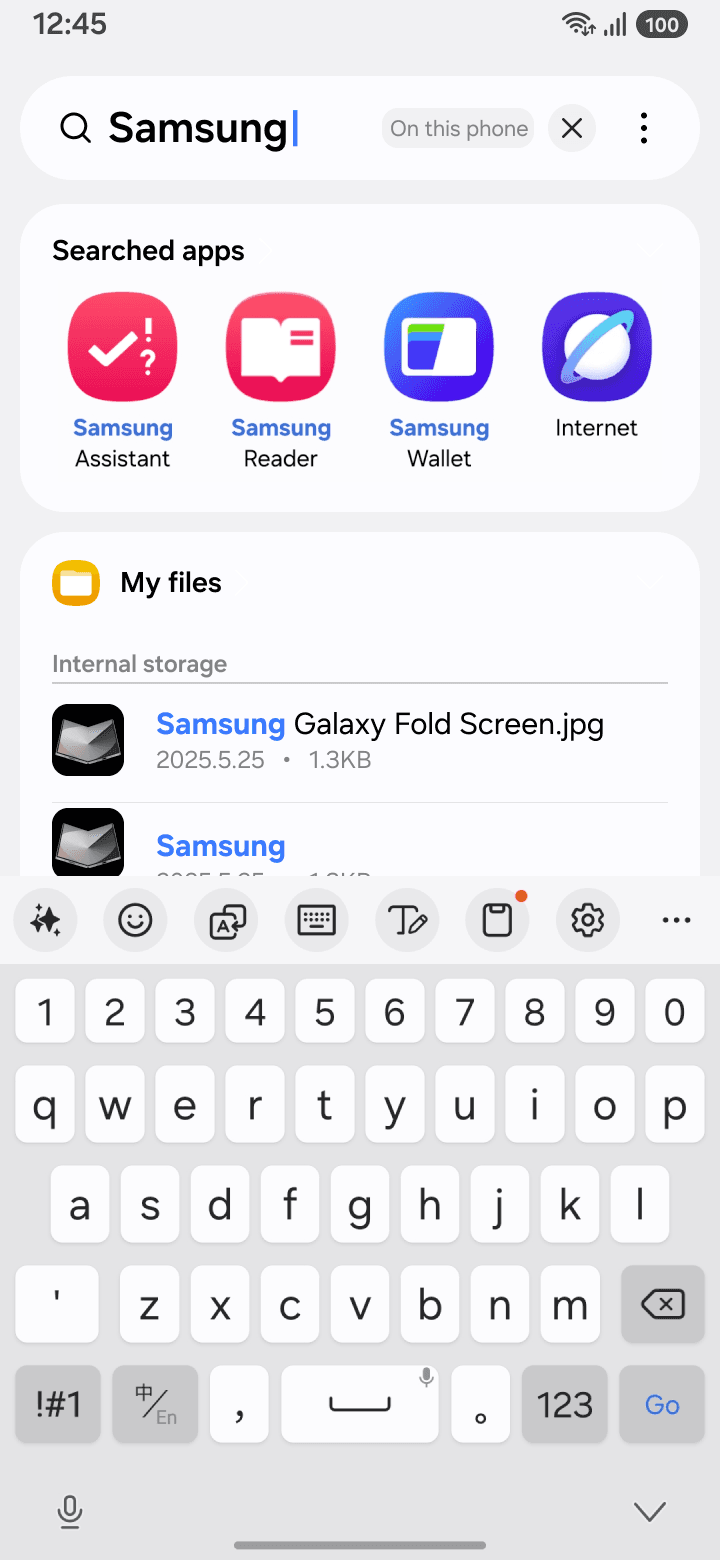
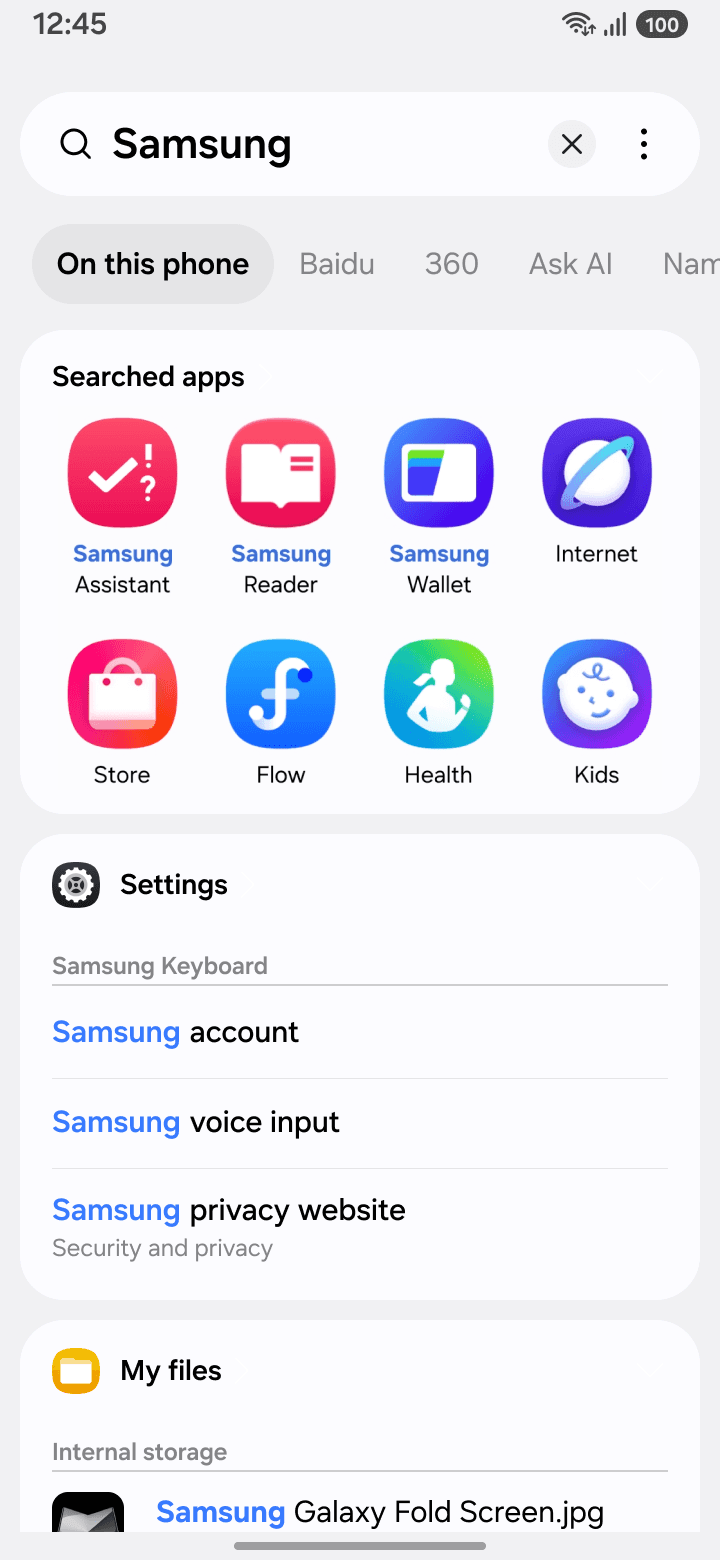
Searched apps
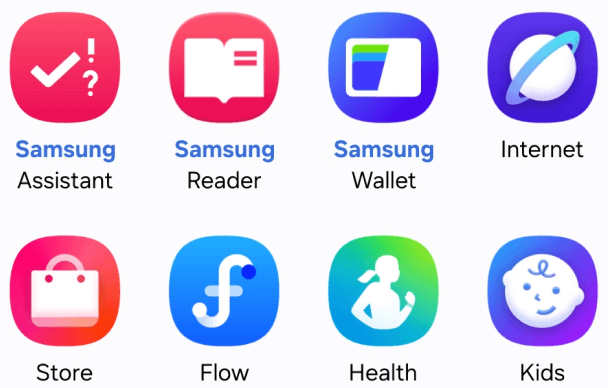
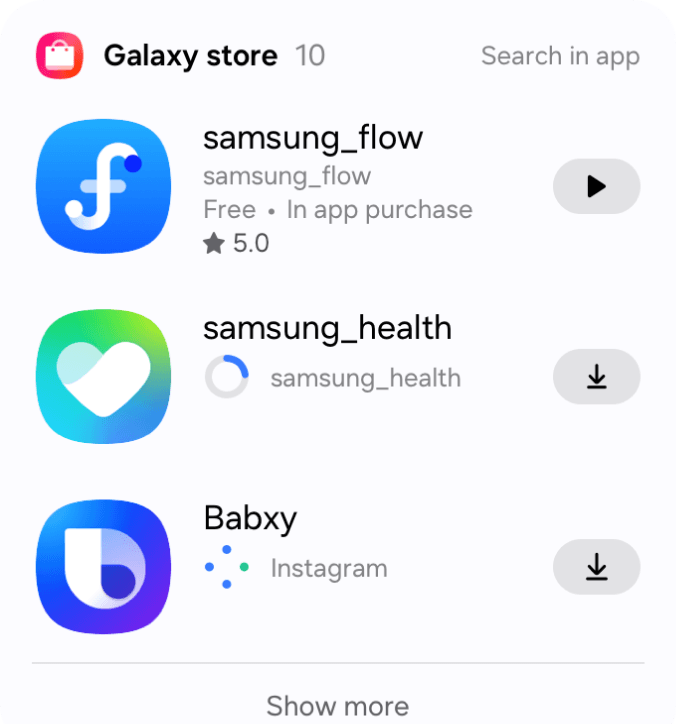
Store

Notea


Health

Message

Wallet

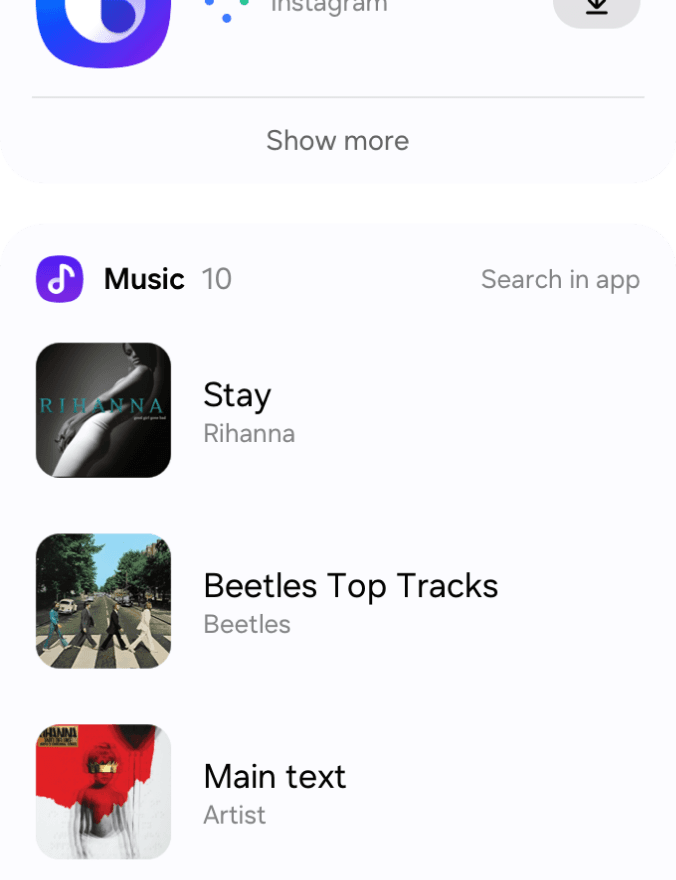
Music

Internet

Samsung
privacy website
Security and privacy
Samsung
voice input
Samsung
account
Samsung Keyboard
Settings

Samsung
.adroid.kmxservice
2025.5.25 • 1.3KB
Samsung
2025.5.25 • 1.3KB
Samsung
Galaxy Fold Screen.jpg
2025.5.25 • 1.3KB

My files

Internal storage
12:45
100
Samsung
On this phone
Baidu
360
Ask AI
Nami AI



Top Travel Destinations for 2025
• BBC Travel highlights 25 destinations for 2025 that prioritize sustainable tourism, support local communities, and protect the environment.
• Dominica offers ethical sperm whale swims and is developing eco-tourism with new infrastructure and direct flights.
• Naoshima, Japan, showcases contemporary art and architecture, with the opening of the Naoshima New Museum of Art in Spring 2025.
• The Dolomites in Italy offer stunning scenery and infrastructure improvements in preparation for the 2026 Winter Olympics, making it a great destination.
• Greenland is becoming more accessible with new airports, promoting mindful adventure travel and respect for Inuit culture.

Top Travel Destinations for 2025
• BBC Travel highlights 25 destinations for 2025 that prioritize sustainable tourism, support local communities, and protect the environment.
• Dominica offers ethical sperm whale swims and is developing eco-tourism with new infrastructure and direct flights.
• Naoshima, Japan, showcases contemporary art and architecture, with the opening of the Naoshima New Museum of Art in Spring 2025.
• The Dolomites in Italy offer stunning scenery and infrastructure improvements in preparation for the 2026 Winter Olympics, making it a great destination.
• Greenland is becoming more accessible with new airports, promoting mindful adventure travel and respect for Inuit culture.

Let’s explore together
Ask about this page
Read highlights aloud
Translate
Summarize
Generate question
12:45
100
Background
Challenge
Samsung Search is the default global search entry for all Samsung devices.
It allows users to search across multiple sources, including local content and the web, making it one of the most frequently used system-level search tools for Chinese users.
In early 2024, there was a significant user drop-off. To address this, I initiated UX research and led a redesign of the overall search experience.
My role
Design lead: User survey, Design strategy, UX design
the team
1 Product manager, 10+ Developers
Timeline
Jan 2025 ~ Dec 2025
72K
DAU
26.4
Searches per User per Day
Samsung Search is the default global search entry for all Samsung devices in the CN market.

The goal was to modernize Samsung’s global search experience, which had become outdated and inefficient. Grounded in user insights, I rebuilt the interaction and introduced AI capabilities to improve search efficiency.
DAU drop in 3 months
16.7%
Understand the problem
Starting in March 2024, the product experienced 3 consecutive months of significant user decline. At the same time, we received a large amount of VOC complaining that the search process felt slow and outdated.
“I can’t find what I want, stopped using it.”
“It’s too complicated. Why can’t I get results directly?”
User data
Verbatim feedback
Improve the Search Experience
Reviewing usage data of core pages with the PM, we identified 2 main issues:
Low search success rate
Low search efficiency
1
2
40%
50%
10%
30%
20%
0
Low CTR across all result tabs
Users struggled to find target results under any tab.
CTR < 30%
Comprehensive Tab
Webpage Tab
Local Tab
Other Tabs
Search success rate
|
CTR
Webpage Tab
Local Tab
Other Tabs
Users spent very little time here.
Comprehensive tab
Users had to jump across multiple tabs, reducing search efficiency.
Comprehensive Tab
60
20
75
25
15
5
45
15
30
10
0
0
Data of each tab
|
MAU (k)
Time of pages (s)
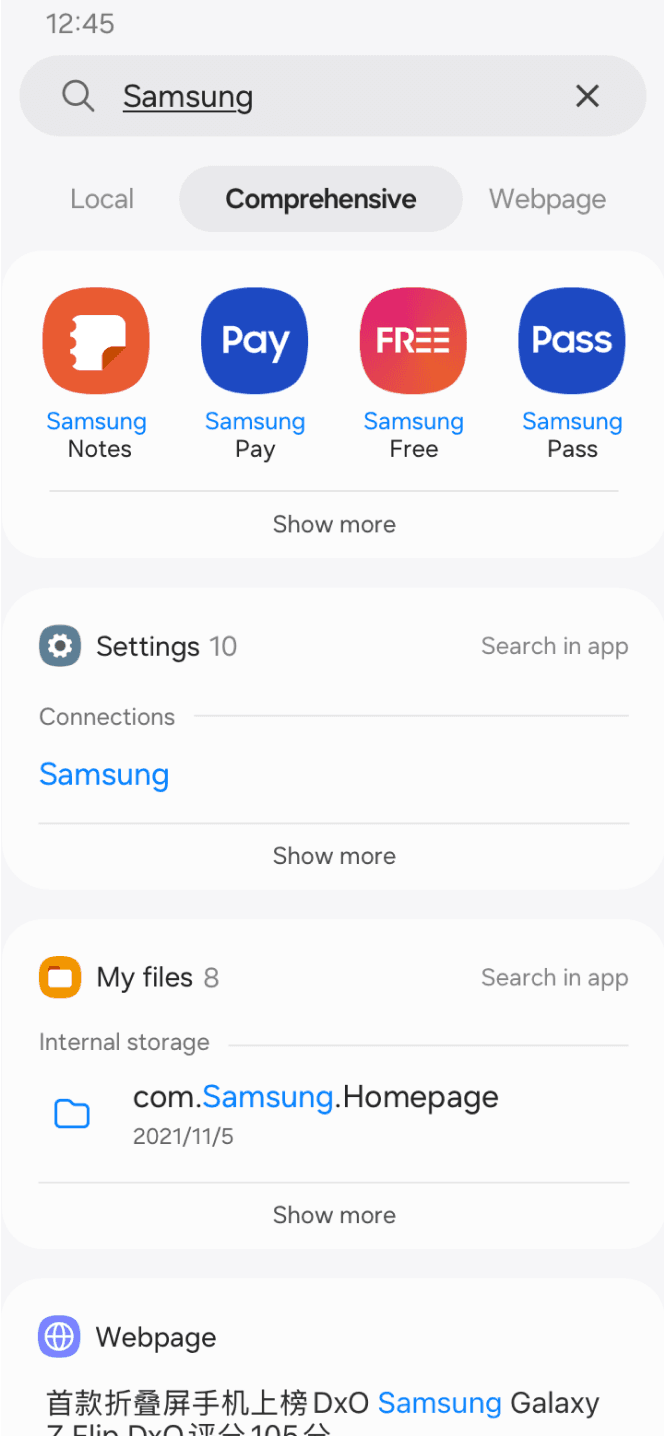
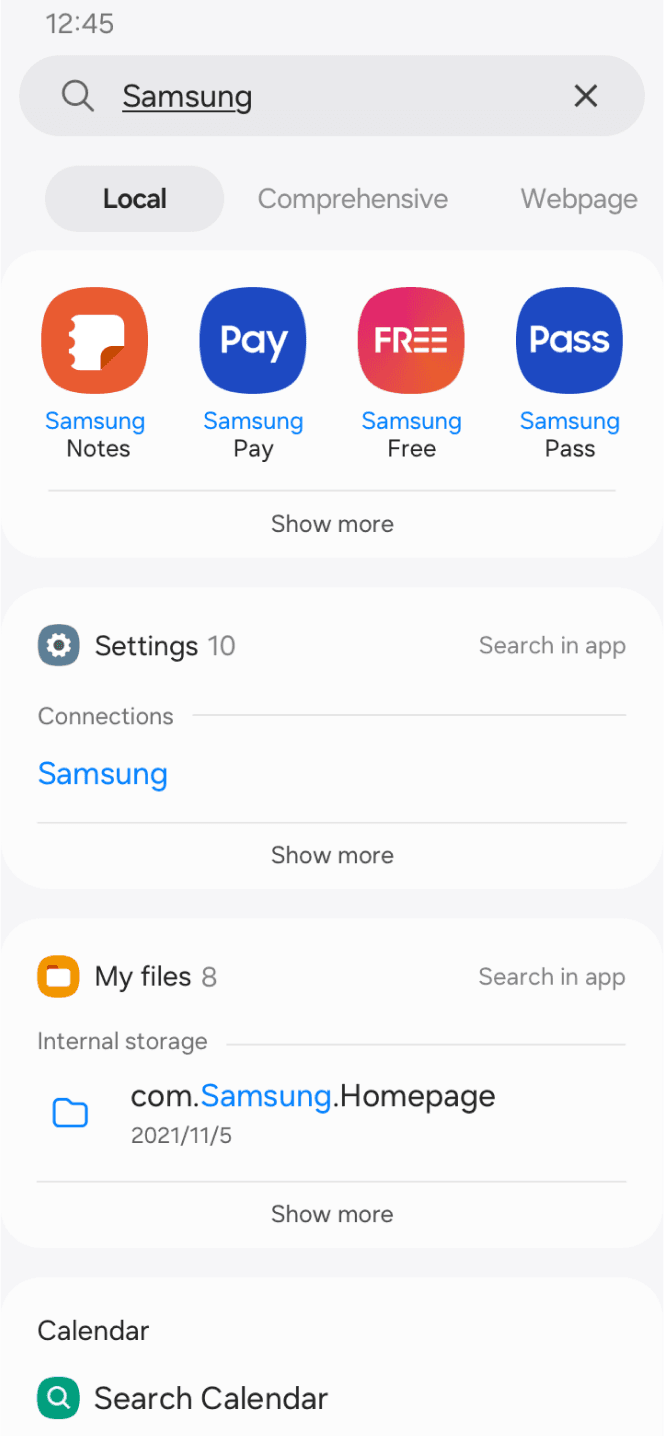
The default result page




1
2
Search bar on moble’s Home
Real-time page
Search results
Real-time page was blocked by the keyboard, leaving very limited visible content.
Users had to switch between multiple tabs repeatedly to locate the desired content
1
2
UX audit
The data showed an extremely low task success rate, indicating that the current search flow struggled to help users find their target content.
Poor default results layout
Frequent tab switching increases cognitive load
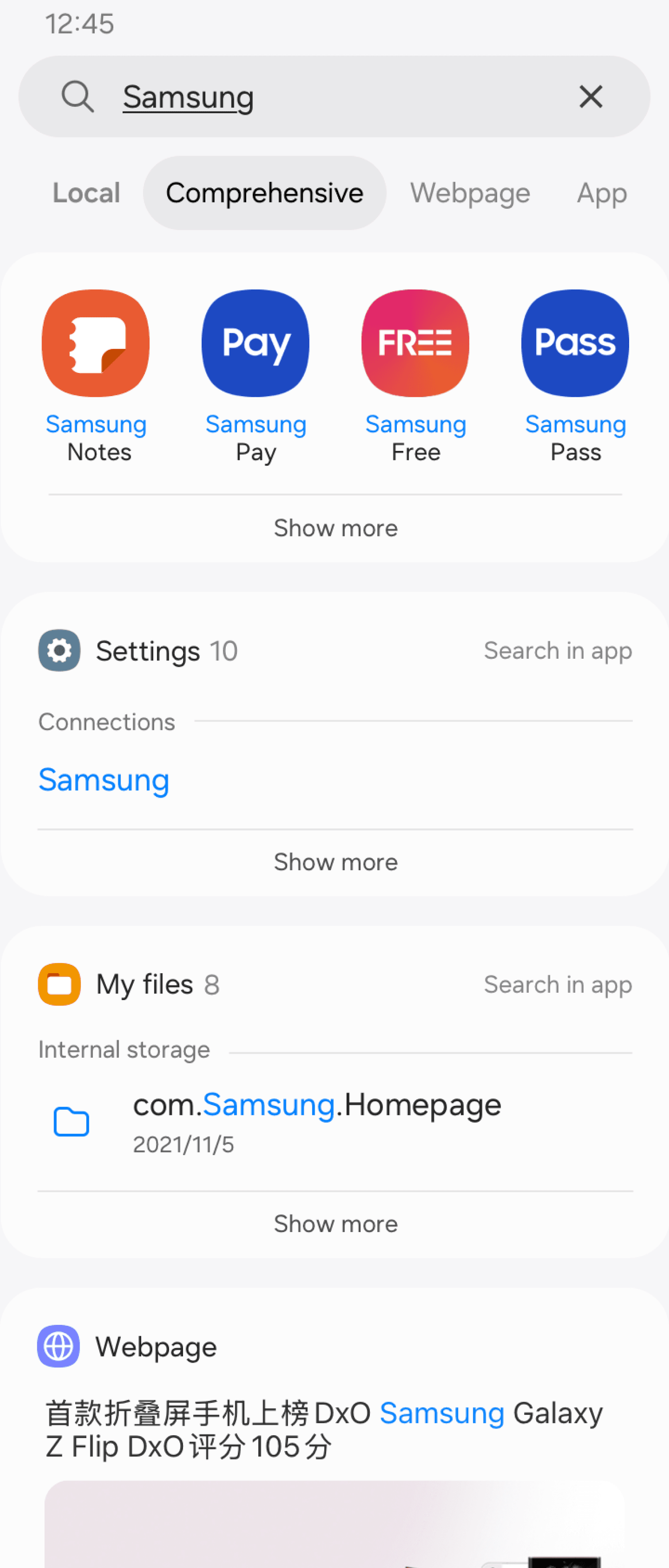

Lack of hierarchy
High visual noise
Different result types are mixed without clear prioritization.
Low-priority elements take up valuable screen space.
Content duplication reduces efficiency
The top section repeats the same results shown in other tabs, leading to low effiency.
Low search success rate
The ranking logic was manually configured by PM, making it difficult for users to find real target content.
Feature conflicts
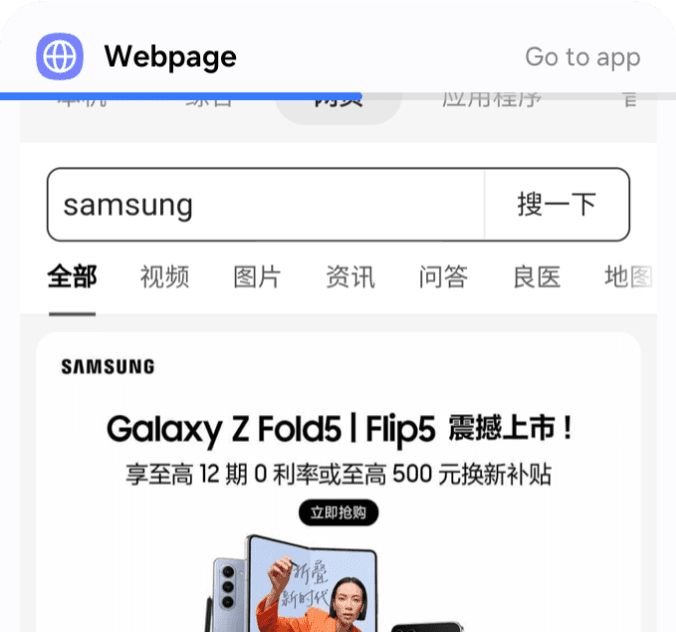
To display web results, toolbar was forced into this tab, which is meaningless for other contents in this tab.
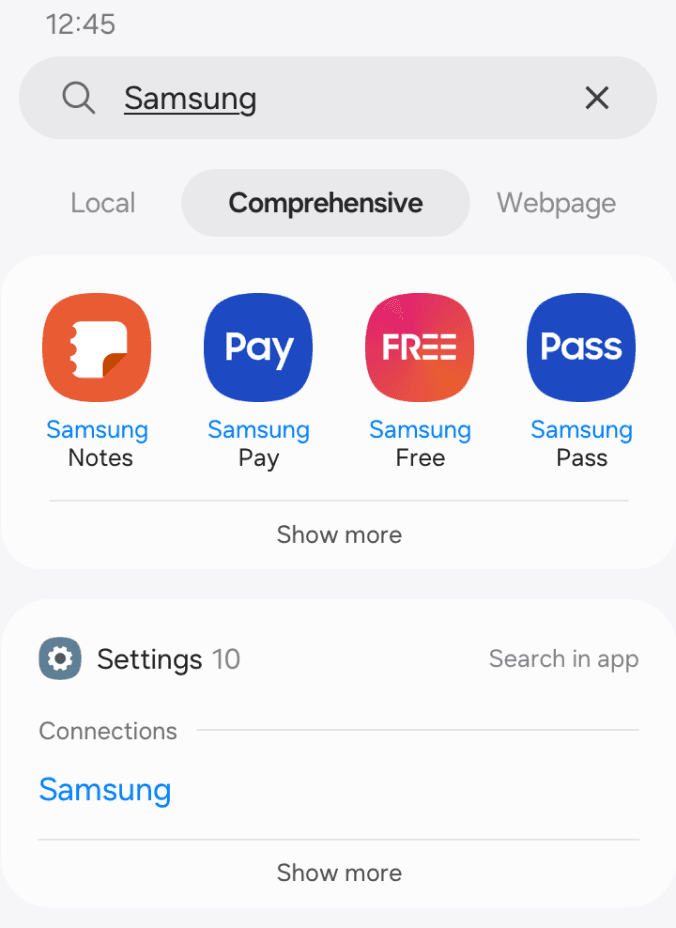
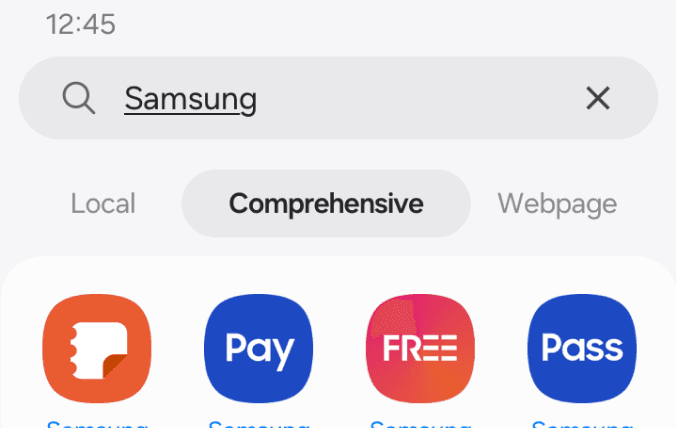
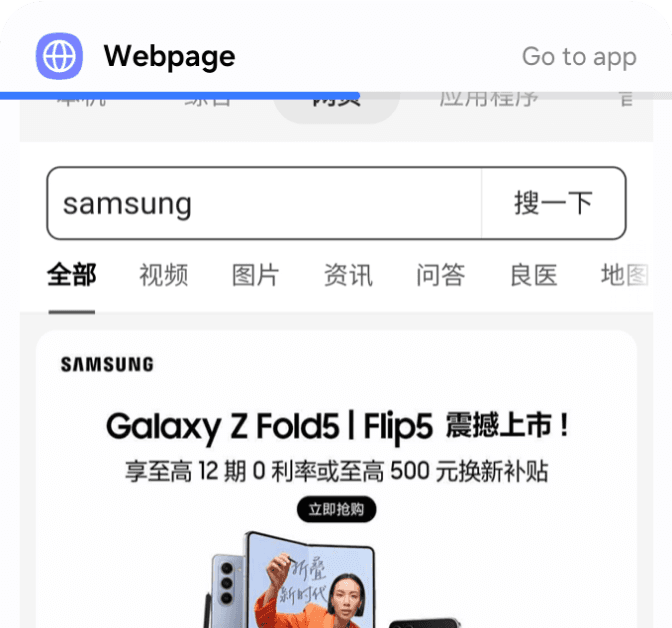
The Comprehensive tab is designed as the default results page to aggregate relevant content across sources. However, most users skip this page directly.
How might we improve search success rate and efficiency?
Local
Comprehensive
Webpage
App
Nami AI


Design solution 1
1
2
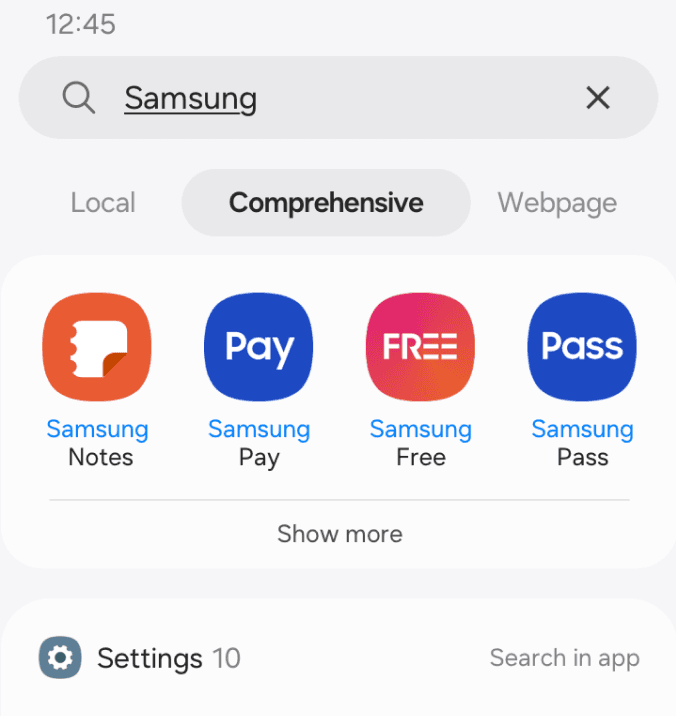
Aggregate results across all tabs into the Comprehensive tab, showing only the highest-priority content of each tab.
Reduce navigation effort: Users can access relevant results from all tabs simply by scrolling.
PV of 2nd screen
PV of 3rd screen
%
%
< 30
< 5
Validation
Due to the limited user behavior data, it’s hard to return results that truly matched users’ expectations.
Users data
Feedback from developers
1 week after launch, the time spent on the default tab increased by only 4%, far below expectations. Further analysis revealed that users rarely explore content beyond the first screen, and the displayed results were not accurate enough technically.
User journey
Understand users’ needs
To better understand users’ search behaviors and needs, I conducted a survey with 500 participants.
Actions
Insights
Emotion
Goals
Enter search query
Browse results
Find target content
Type in
Refine
Check current results
Compare with other platforms
Narrow scope
Explore results
Succeed
Change query
Quit
Power users mainly search contents in local & web tabs.
Mixed content types in a single page increase cognitive load.
Users tend to verify information by comparing results across platforms.
Integrate CP contents to enable comparison and reduce app switching
Focus on Local and Web search experience
Focus each page on a single content type
Optimize IA to improve search efficiency
User survey revealed that they did not trust search results and struggled to find target content. Therefore, I focused on improving experiences of browsing results and Finding target content.
Current IA
Optimize Browsing result flow
Optimize Searching target flow
Optimized flow
Enter query
Enter query
View real-time results
Auto-detect target type
Identify result type
View results of detected type
Switch tabs manually
Enter full results page
Search for target content
Search for target content
Tap and open result
Tap and open result
On this phone
Bing
Ask AI
Nami AI
Design solution 2
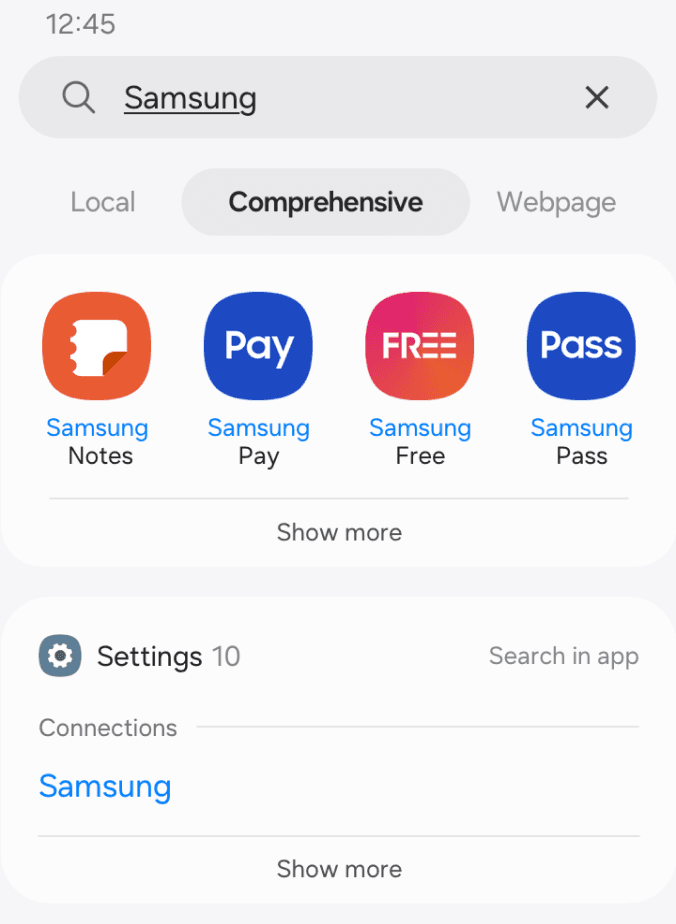
Real-time search page is added to group results by the same category, reducing information overload. Users don’t need to manually determine the content type, improving both efficiency and success rate.
1.1
1.2
2
Local
Comprehensive
Webpage
App
Nami AI
1
2
When the query matches local content:
1.1 The search field displays the current search scope, helping users understand where they will land after pressing enter.
Content in the Comprehensive tab is cluttered.
1.2 The only purpose of this page is helping users verify the correct category from the top results without scrolling.
Automatically directs to the Local tab, removing the need for manual tab switching.
Before
After
On this phone
Bing
Ask AI
Nami AI


1.1
1.2
2
1
2
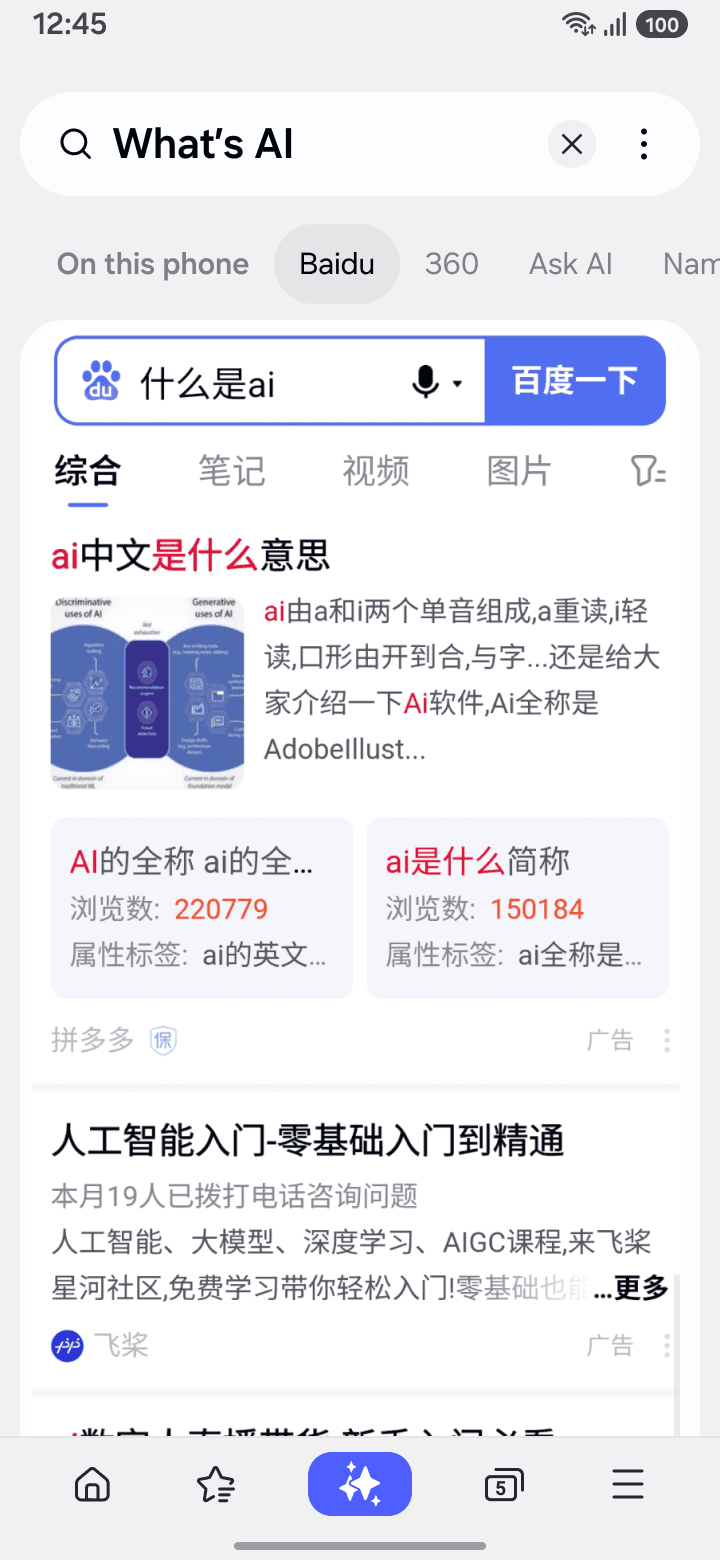
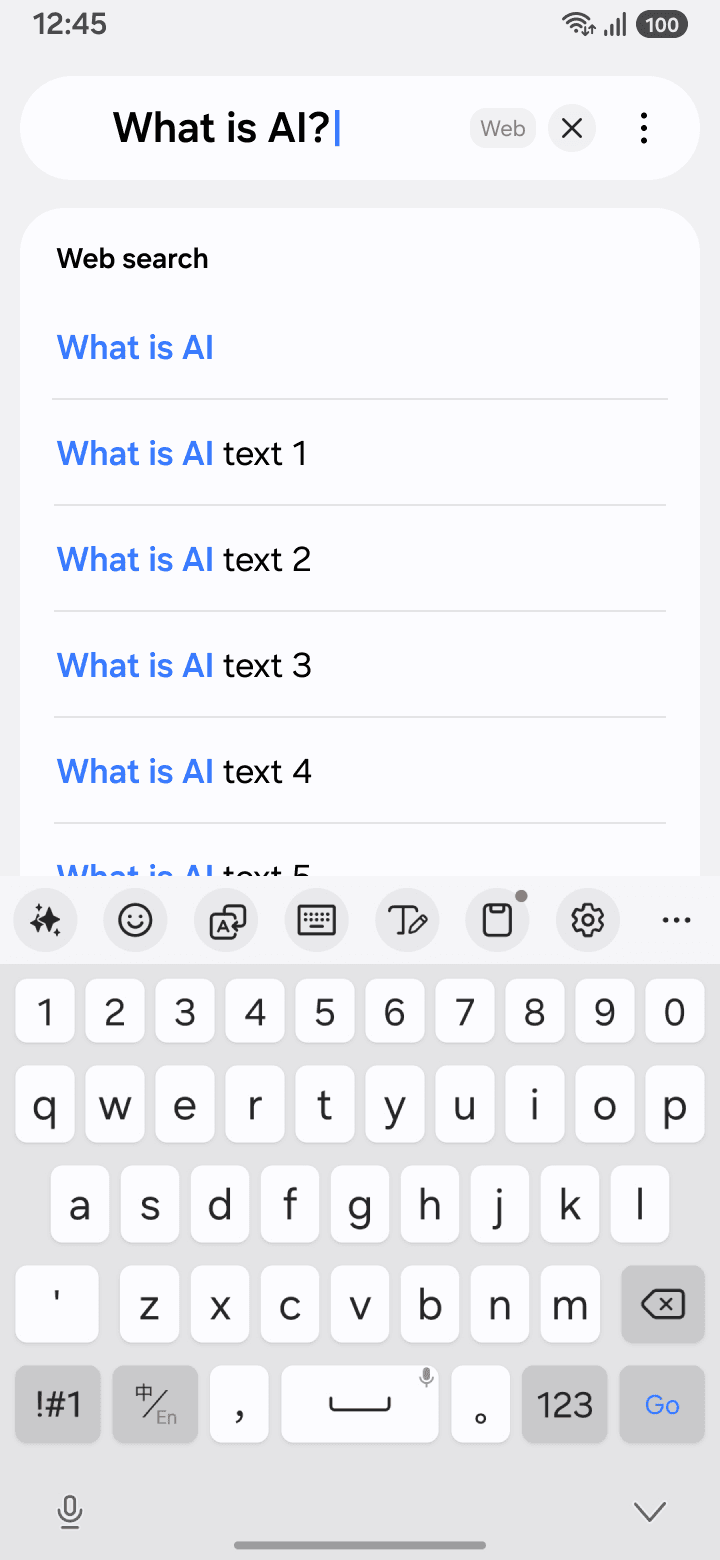
When the query does not match local content:
1.1 The search field displays the current search scope with consistent layout as in Local mode。
1.2 Suggested queries are provided to help users refine search keywords
Results from multiple search engines are displayed in tabs, helping users compare results across platforms.
If users click a result, it indicates they have found relevant content and want to explore it further.
Local result
Before
Now
Search results CTR
Webpage result
Validation
Search success rate
increased by ~5×
Search efficiency increased from VOC
“Much easier to find stuff”
“I think the layout has become more clear”
Verbatim feedback
AI-powered Search Enhancement
Decline in traditional web search usage in 2025
25%
Background
In the AI era, traditional web search is no longer efficient enough to meet users’ needs for fast information retrieval. And since 2024, Samsung has positioned AI as a core strategy to enhance user experience.
38%
Global AI search share in 2025
Understand the problem
Our current search experience only supports traditional web search. Users’ needs for reading web contents quickly on the mobile devices were not met.
Traditional Web search flow
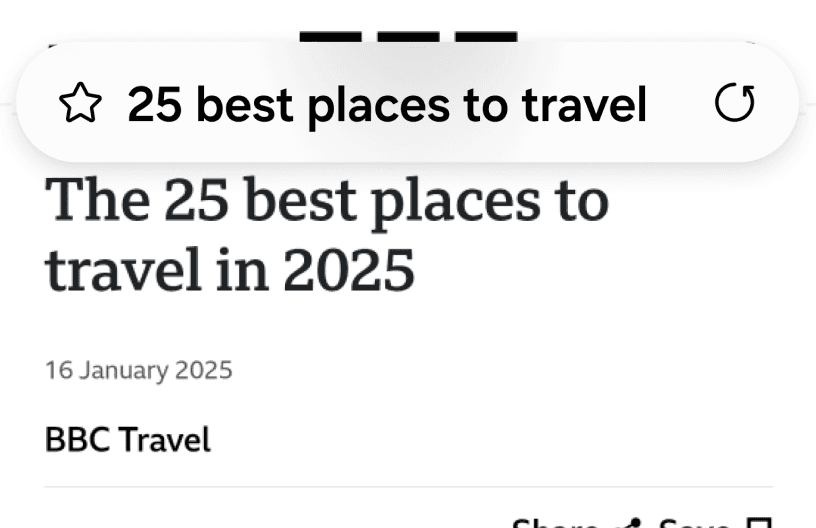
Webpage
Type in
Search
What is AI
What is AI text 1
What is AI text 2
Web search
How can AI improve efficiency of mobile web search while preserving existing user habits?
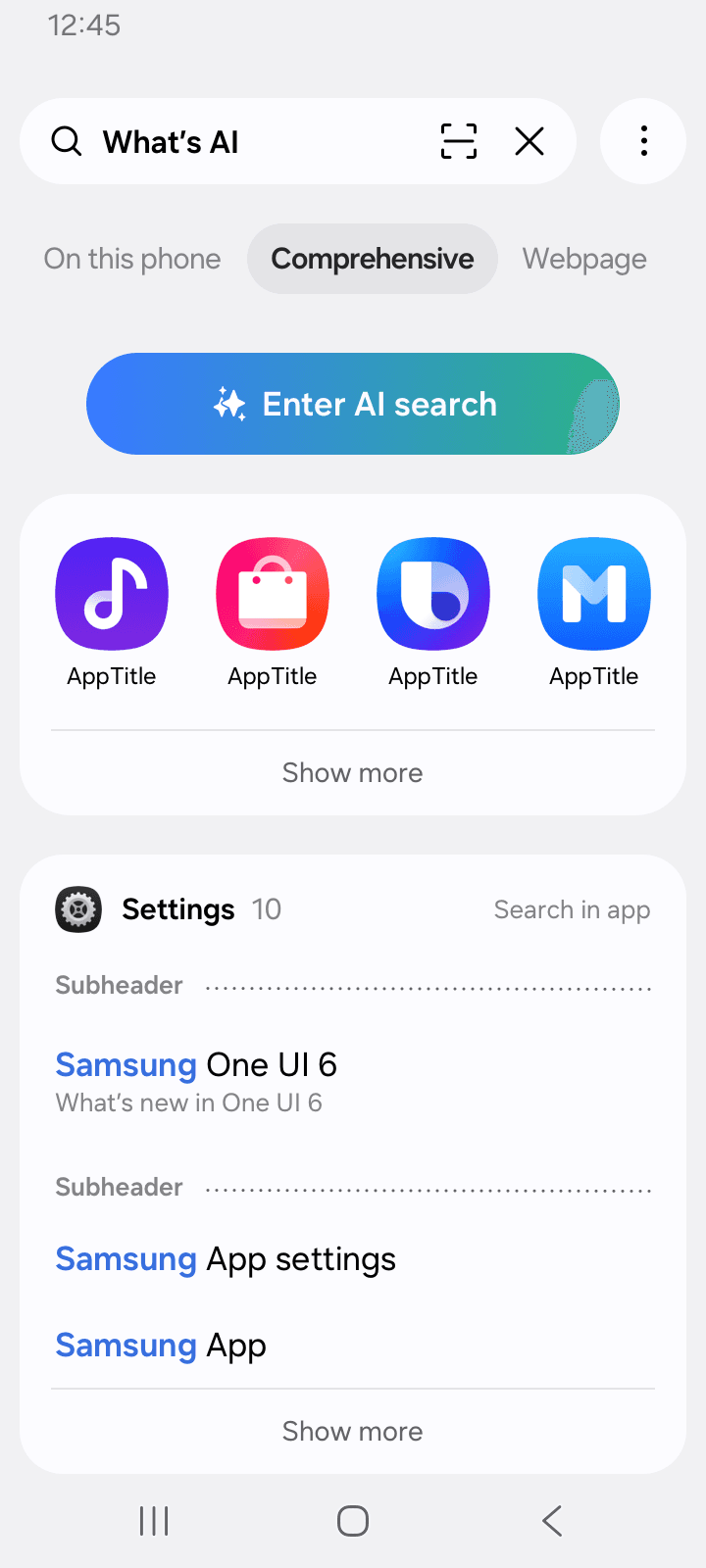
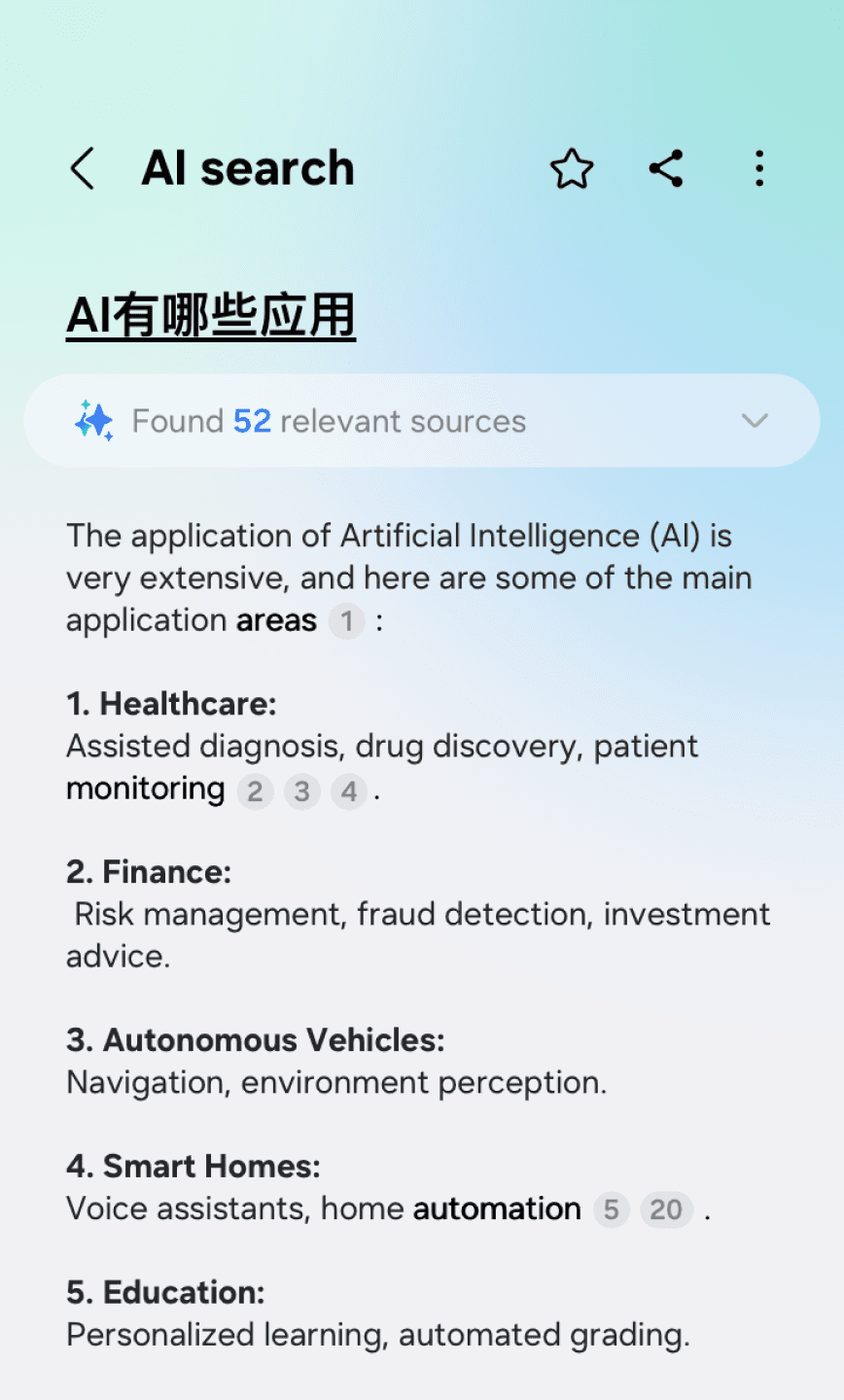

Design solution 1
At the early stage, the Comprehensive tab still remained. Our primary goal was to develop a complete AI search capability.
To avoid conflicts with the existing interface structure, the AI experience was designed as a separate page with higher development flexibility.
Users visiting Ask AI page
CTR of comprehensive tab
%
%
< 5
10
AI page was too deep, users preferred seeing results quickly.
AI capability was not well integrated into existing search interactions.
Validation
After tracking data for 2 weeks post-launch, we found that very few users entered the AI page, even though the entry was visually prominent. And the overall search success rate decreased further.
Key learning:
User data
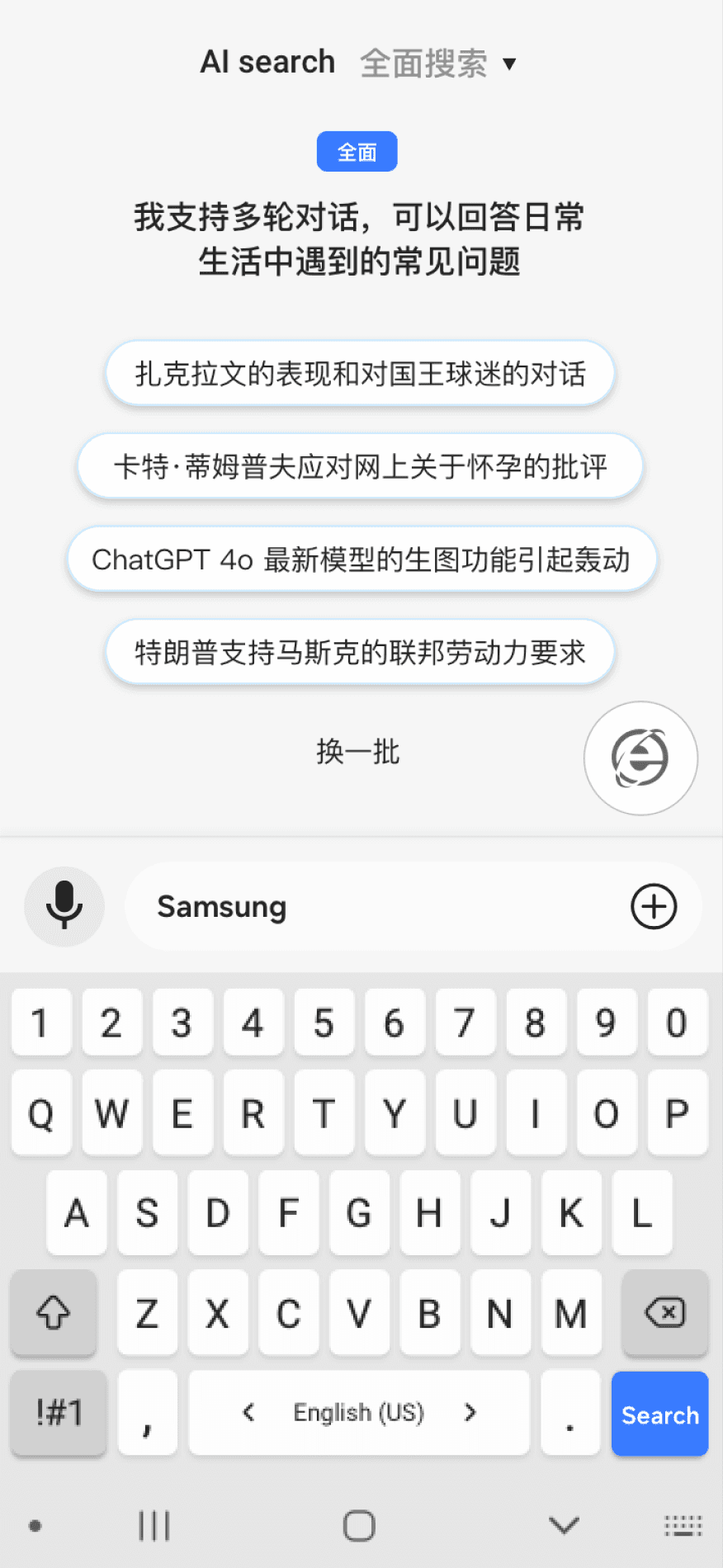

Switch
I support multi-turn conversations and can answer common questions in daily life.
Current search result page
Current search flow
AI search flow
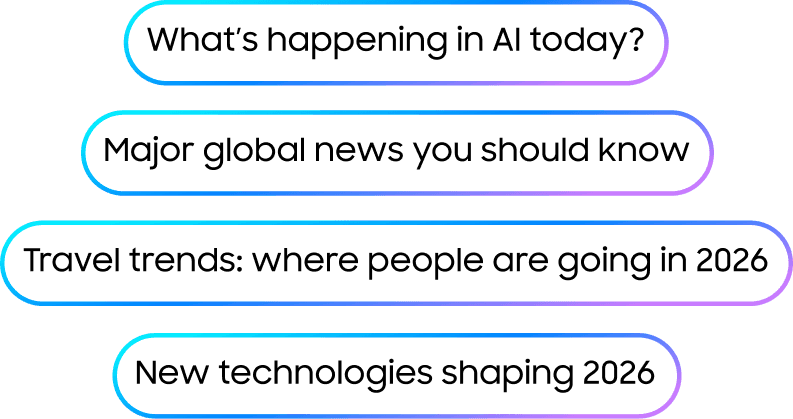
AI result page
Users can switch between AI search and traditional search via a floating button, enabling quick comparison between results.
The existing search flow is fully preserved, allowing users to keep their established habits.


Integrated

What is AI?
|

Current search flow
AI search flow
Design solution 2
To optimize, the focus was to reduce navigation depth, enabling users to access AI search more quickly without disrupting the existing search workflow.
Validation
Because the change significantly impacted the current revenue, it faced strong pushback from the business team and could not be launched.
Key learning:
PM feedback:
More than half of our revenue currently comes from web search traffic. While AI search can significantly improve efficiency, it may also reduce huge traffic to traditional web results.”
Overemphasizing AI search could significantly impact existing revenue, we need a more balanced interaction.
AI should assist the existing search flow rather than replace it.
On this phone
Bing
Ask AI
Nami AI

Final solution
We introduced AI search as a new source within the search results, allowing users to compare contents from different platforms, leveraging Samsung’s advantage as a information integrator.
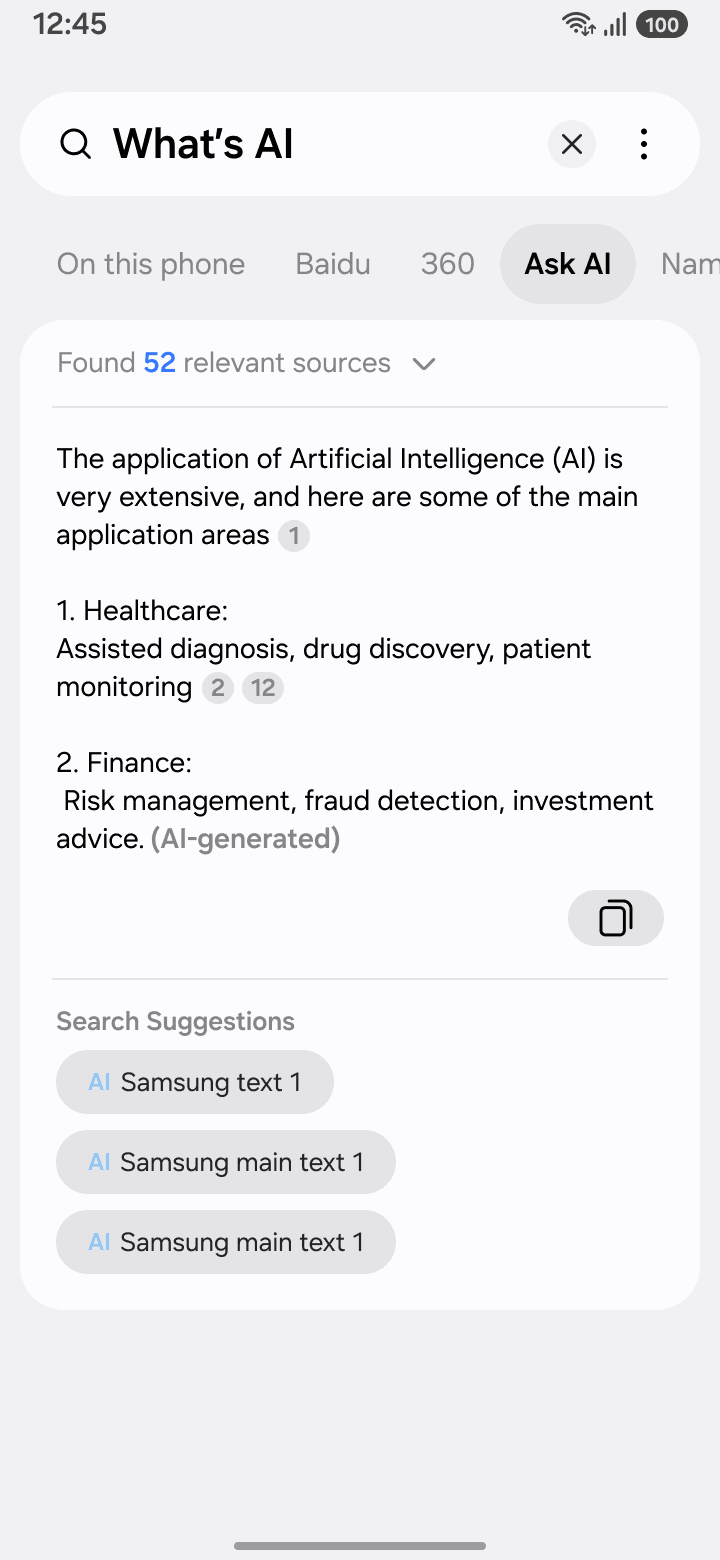

Ask AI
Validation
Within the first month after launch, AI search traffic grew significantly. And users also showed a higher tendency to compare results across different tabs, resulting in a 30% increase in revenue.
However, user feedback suggested that the practical value was still limited.
Verbatim feedback:
User data
“Single-turn answers are less helpful than the multi-turn responses in the previous version.”
“AI search doesn’t help much with website searching. It feels similar to the Bixby.”
AI tab usage
/ All tabs
Increase in tab switching
%
%
20
50
Explore AI solution
I want to integrate AI more naturally into the current search flow, helping users improve efficiency of reading web contents rather than using AI only as a standalone Q&A tool.
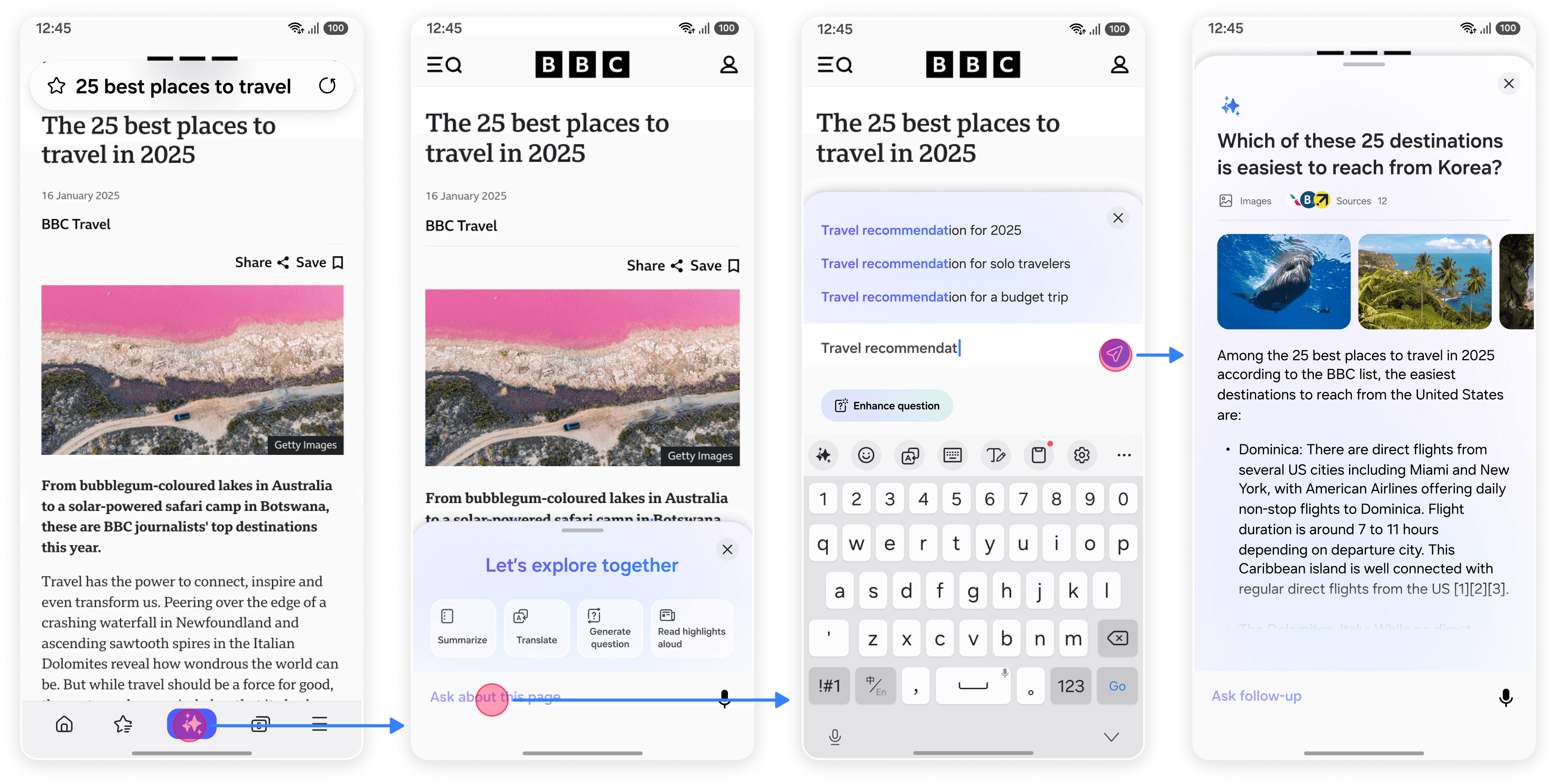
Outcome
The proposal was approved by headquarters and will be adopted as the next-generation of AI search solution, planned for global rollout. The feature is currently under development by HQ.
Iterations
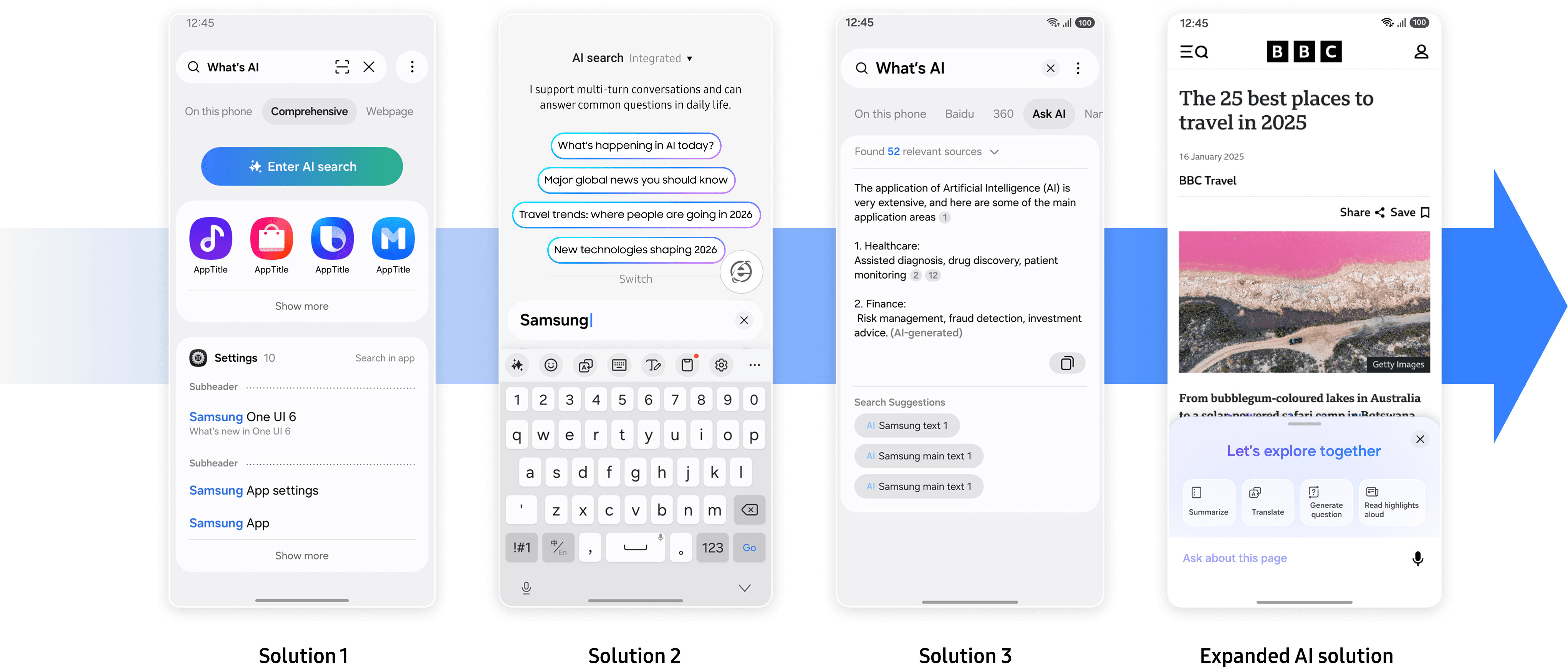
Constraints
In China, due to token costs exceeding the current budget, the feature remains pending. Once final agreements with CPs are reached, this interaction will be rolled out nationwide.
Reflection
What I did in this project
Design iterations must be guided by user data.
Design decisions cannot rely solely on internal judgment. User data and feedback are essential for identifying problems and guiding iterations.
Design must balance business and experience.
A good interaction alone is not enough. Design decisions must also align with business goals and revenue models.
AI should be integrated progressively.
AI is evolving rapidly, yet consistent design principles are still emerging. Since user habits are hard to change, AI features should be introduced gradually and integrated into existing experiences.
Used user data to guide every design decision and iteration
Balanced AI innovation with business constraints
Focused on integrating AI into the existing search experience。